
The parent code protects this app’s approved reader. It does not block other browsers or all adult content on the phone.
What you can do
- A parent creates a code and chooses websites within the app.
- Text and links need to be reviewed and approved before the child can open them in the reader.
- The child can ask a parent for access.
- Save bookmarks in the saved-pages view. A parent can delete the workspace’s server data with the current code and confirmation. Bookmarks and downloaded copies must be deleted separately.
Why this app?
Read the page before your child can open it
Your child wants to read about a new topic, but you do not know the website. In Safe Browser, a parent can read a page’s text and links, then approve that content for the child’s reader.
Your child can save approved pages and ask for access to something new. An approval covers what you have read; it does not approve everything on the website.
The online test saves rules and requests in your private workspace on the server. A parent code protects changes. Rules apply only in the app’s text reader and do not control other browsers or apps.
Get started
- Open the parent settings, create a code and save the recovery key.
- Add a website and save the rules.
- Fetch the page’s text and read it along with its links. Approve only what you have reviewed.
- Open the reader, enter the approved web address and open the page.
Preview the app
More about the features
Read the approved text
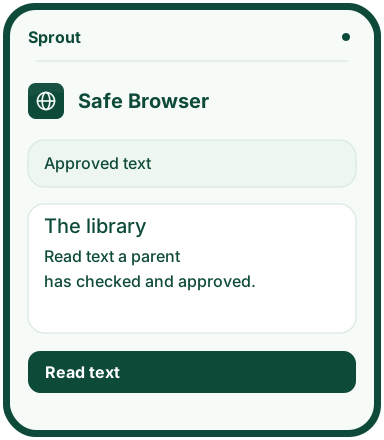
Your child opens an address or bookmark. Approved text appears without images, video, scripts or sign-in. A new link needs to be checked again.
An adult reviews it first
The parent code gives access to rules, requests and text approvals. New pages stay closed until the review is complete.
Only within this reader
The rules apply only to Safe Browser. They do not control other apps or browsers, and the text check can miss content.
Access to the test version
Safe Browser has an open web test with its own server, private workspace and parent code. Rules and requests are saved separately from the other apps. The web test is open. Browser rules and workspaces are not shared through a Sprout account.