Children and privacy
You choose what to write and save in Sprout. Children and adults can read together about messages, photos, parent access and help. Remember that other people with access to the same app and browser profile can read information saved there.
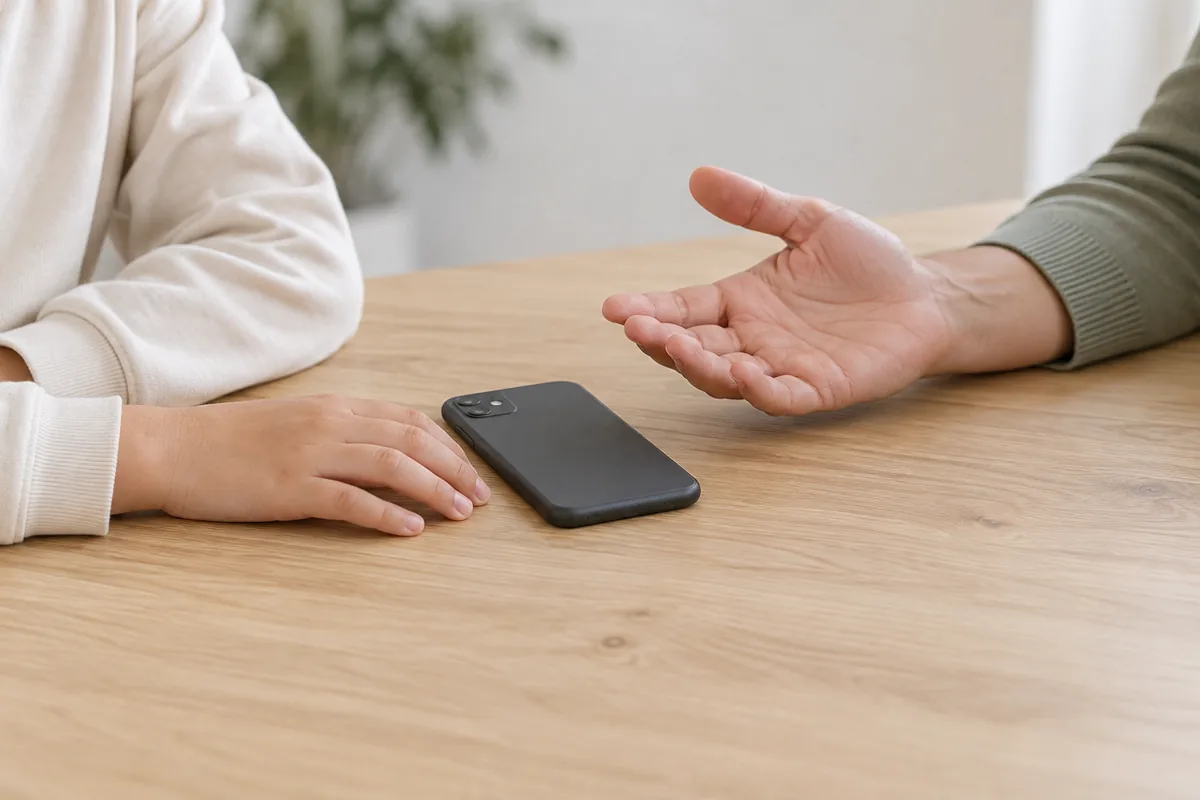
You choose the contentThe apps do not read your other apps, and checks can be wrong.
You choose the message or photo
Safe Keyboard does not read your other apps. Safe Camera processes the photo on your device and does not send it to parents or an external AI service. You open the content you want to check. Checks can be wrong, so ask an adult if you are unsure.
Sprout-chat
Sprout-chat is available in the open web test. The test for two participants has text only. A word list automatically checks text before a message is stored, delivered or displayed. Messages with detected content are held back. Checks can fail and are not a guarantee. The chat does not read SMS, WhatsApp or Snapchat or check other apps. Use fictional test data only in the web test.
Others can read saved informationPeople using the same app and browser profile can read local information.
Who can see what you save?
If you save agreements, plans, notes or tasks, others with access to the app and browser profile can read them. In Safe Browser’s web test, an adult with the parent code can see rules and access requests. Talk together about what to save.
Ask for help with your information
An adult can help you see, correct or remove information. Ask before saving something private about someone else. A data backup can contain private information too, so share it only with people who need it. Safe Browser’s server data is not deleted when you clear the browser. A parent can use Slet Browser-data (Delete Browser data) for the current workspace. Bookmarks and downloaded copies are deleted separately. Ask an adult for help or contact privacy@nordicdts.com.
Tell an adult about pressureStop contact if someone pressures you for photos.
Contact an adult you know
In Family, you can save adults you can contact. The app does not automatically send them an alert or message. If something feels wrong, contact an adult you trust yourself.
If someone wants photos
If someone pressures you to send photos, stop and tell an adult you trust. For adults: listen without blaming the child. Help stop the contact and seek appropriate advice. Do not send the child’s private photos to Sprout in a report.
Agree on use togetherCamera permission does not mean consent to everything.
Agreements and permissions
A parent or guardian should agree on setup and use with the child. Giving camera or location permission in the browser is not consent to all data processing. Sprout must not be used for hidden surveillance, stalking or coercive control.
When used in school
Sprout Educator has separate school sign-in and shared workspaces for teachers’ plans. Use only fictional pupil IDs and examples in the test. Family information is not transferred to the school. The web test does not control phones or show location. Institution is planned.
Get help with problemsIf someone is in immediate danger, contact local emergency services.
Issues and misuse
Email security@nordicdts.com if an issue or misuse could affect children. Describe it with example data, without private messages, sensitive child data or photos. Sprout does not replace care, emergency help or professional support. Contact local emergency services in immediate danger.