
Your notes stay on your device. The app does not replace professional or emergency help.
What you can do
- Choose from topics such as hurtful messages, photo sharing and in-game purchases.
- Prepare with written questions and your own words.
- Save up to three actions and a follow-up date.
- Continue a draft, mark actions as done or move the plan to the archive.
Why this app?
A starting point for a difficult conversation
Your child tells you about a hurtful message. You want to understand what happened, but you may not know what to ask first. Parent Coach helps you prepare for the conversation and listen to your child’s experience.
Choose a topic, use the written questions and add your own words. You can agree on up to three actions and a date to talk again. Save the plan so you can come back to it.
Questions and suggestions are written in advance. The app does not assess your child or the situation and does not replace professional advice or emergency help.
Get started
- Choose a topic in the conversation view and start the guide.
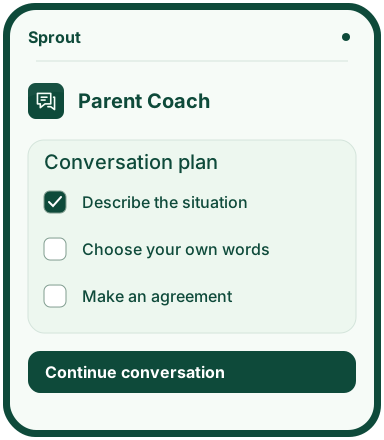
- Describe the situation, write your own words and use the questions when you talk.
- Choose up to three actions. Set a follow-up date if you want to agree on one now.
- Save the plan and find it in the plans view when you want to follow up.
Preview the app
More about the features
Before you talk
Choose a topic, describe what happened and write down what you would like to say to your child.
After the conversation
Save the actions you agree on and a follow-up date. You can pause, return to a draft and archive the plan when it is finished.
Where does the guidance come from?
The conversation steps are written in advance. No AI service is connected, and the suggestions do not replace professional help.