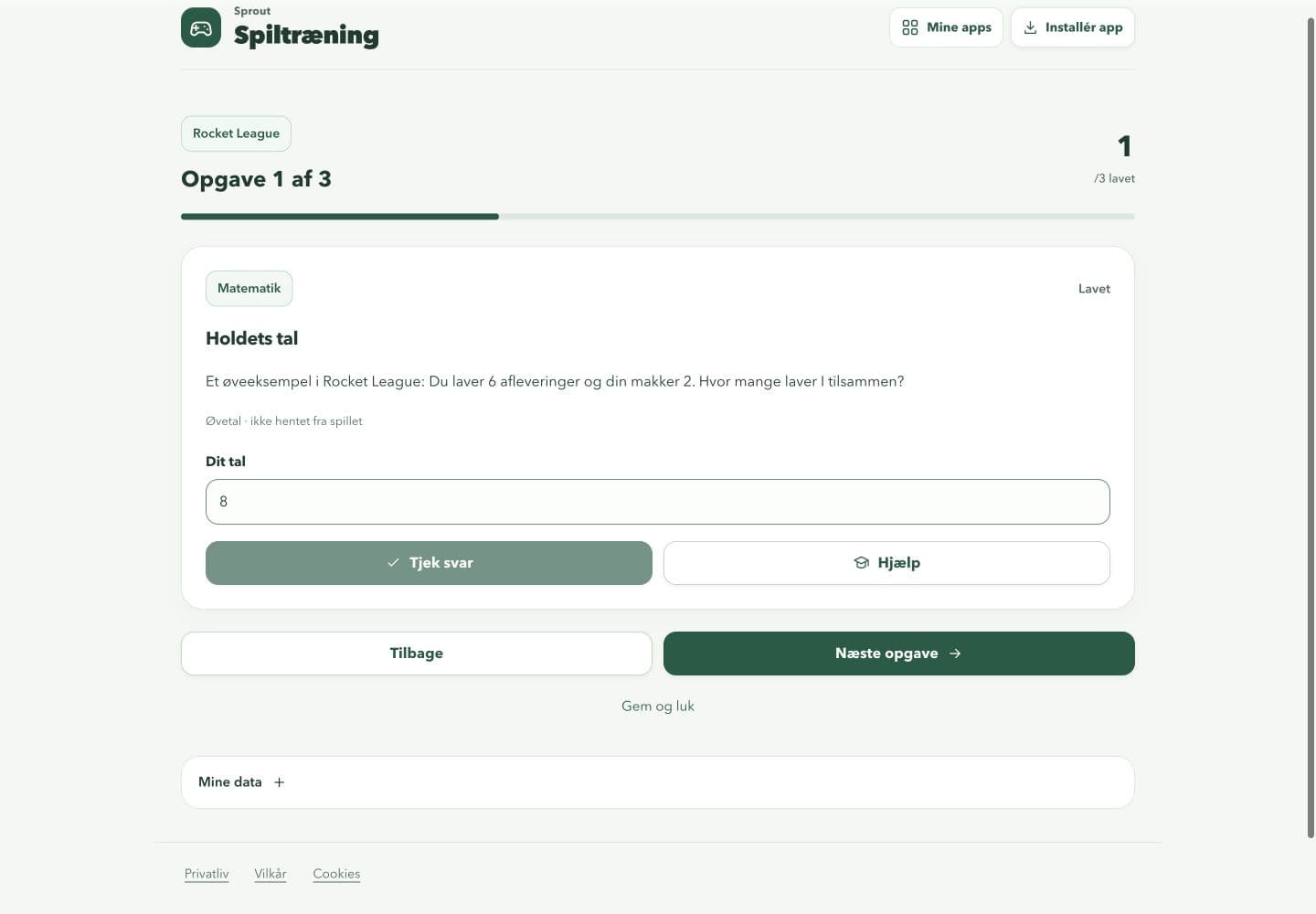
Programmes and answers stay on your device. The app does not analyse matches or in-game performance.
What you can do
- Choose from 22 games or another game, then set a level and 1–24 activities.
- Use three esports tracks for short activities about focus, choices and teamwork.
- Complete activities in the app, write answers and save programmes for later.
- Keep local programmes and history separate in up to six profiles.
Why this app?
Practise through games and activities
Game Training gives children and adults a place for short activities about focus, choices and teamwork. Choose a game, level and number of activities.
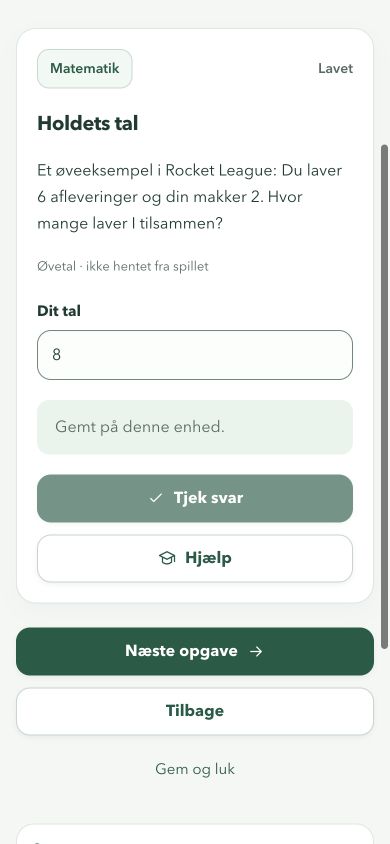
Complete the programme in the app. Children can write answers, review activities and save what they want to work on next. The esports tracks cover focus and reaction, overview and choices, and team communication.
Programmes, profiles and answers are saved in this browser. The app is in Danish. It does not analyse matches, access game accounts or measure a child’s skills. No external AI is used.
Get started
- Open Lav forløb and choose a game, goal and level.
- Set the number of activities and create the programme.
- Open an activity, write an answer and save before continuing.
- Reopen saved programmes under Mine forløb and view recorded activities under Min udvikling.
Preview the app
More about the features
Choose a programme
Set a game, goal, level and number of activities.
Complete activities
Practise focus, choices and teamwork through short activities in the app.
Save your work
Programmes, answers and up to six profiles stay in this browser.
About testing
The app does not analyse matches or game accounts. Recorded activities do not measure skills.